
All versions of Windows offered a way to change your computer timezone via the UI. Unfortunately, it might so happen that you’re still unable to do so.
What was the issue
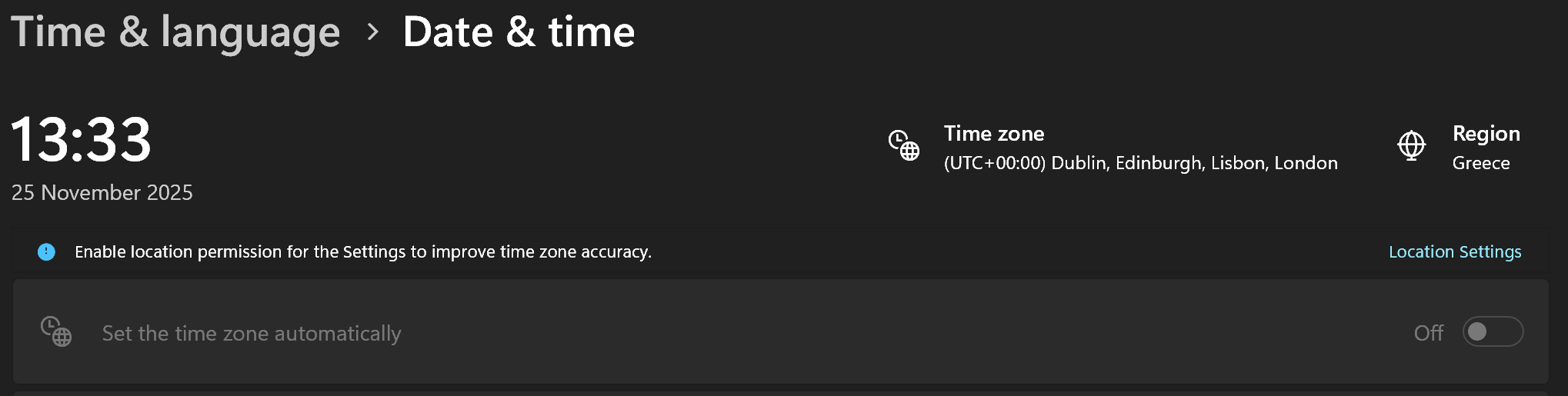
For some reason, the “time zone” option in the “Date & Time” settings was disabled and I could not manually change it. I had to find another way.
What was the solution
There’s a handy utility that you can use as the Administrator via the command prompt: tzutil.
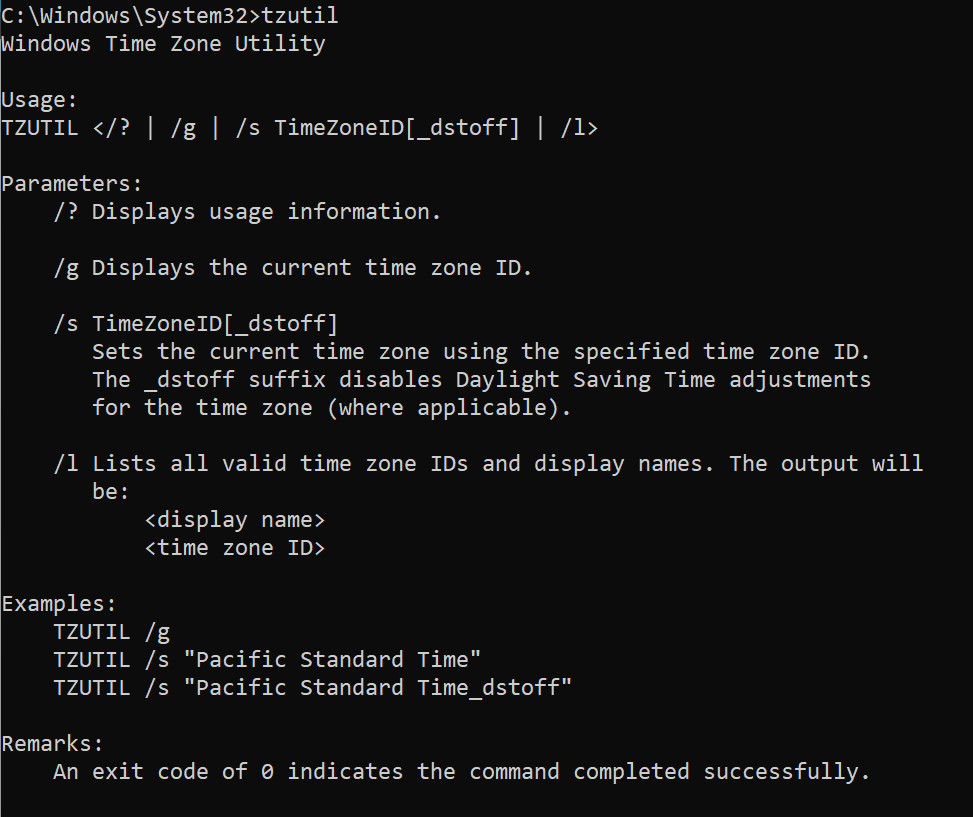
This utility will allow you to verify the currect timezone, it will list the available timezones to be used and it will also allow you to set the timezone that you wish. In order to view the current timezone, type
tzutil /gIn my case, this was set to “GTB Standard Time”, which was wrong. Although I wanted to keep my region as “Greece”, I needed to change the timezeon to “GMT Standard Time”. If I did not know the exact name of the timezone I’d want to use, I could list all the available options like so:
tzutil /lThe above produces a long list of available options. In order to change the current timezone, I only had to set it like so:
tzutil /s "GMT Standard Time"